

HyperClapper
INTEGRATIONS
Compatible
Install HyperClapper in each account's dedicated browser profile to give the posts your MirrorProfiles accounts publish more reach in their first hour.
Rent accounts for HyperClapper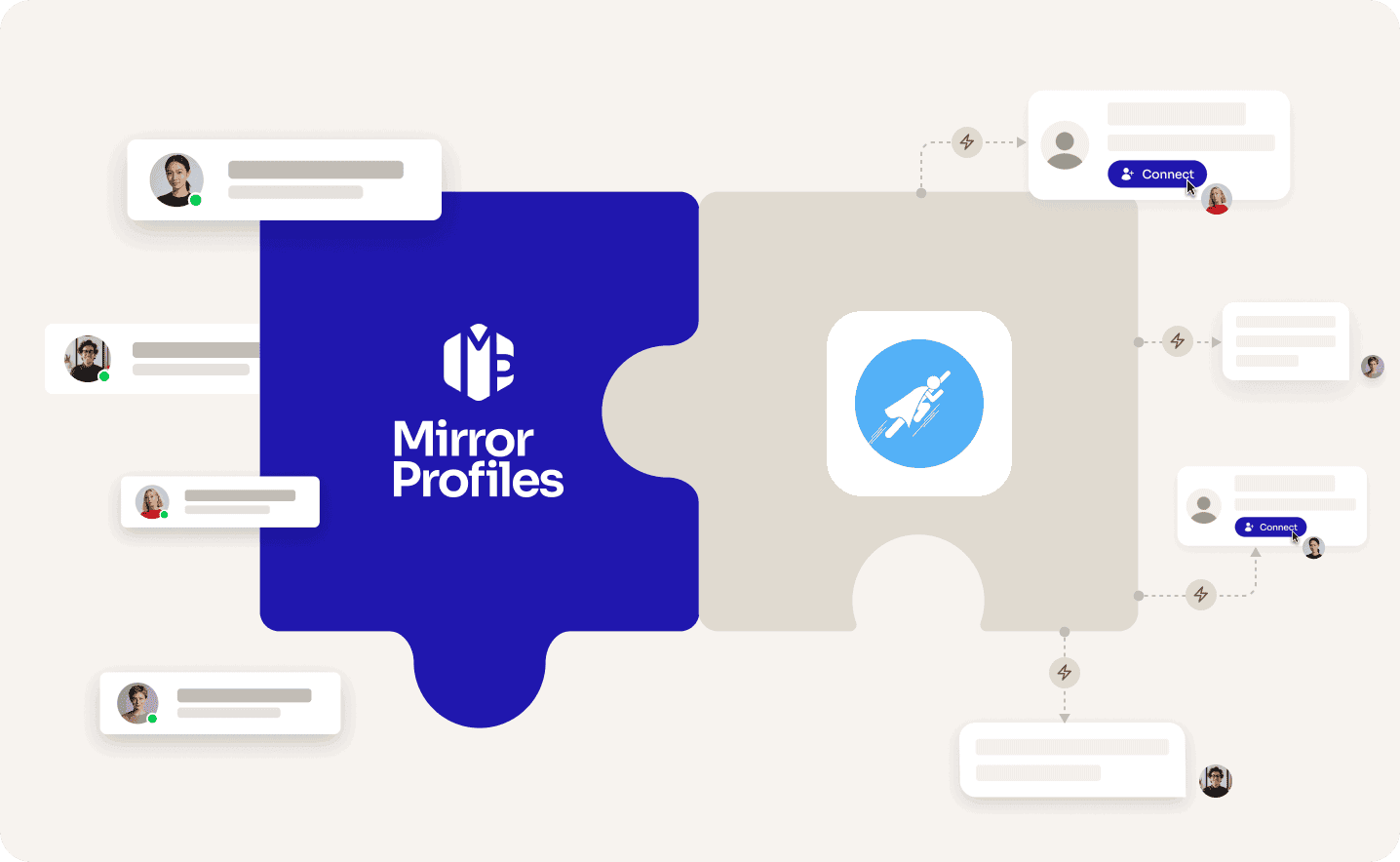
Add accounts
as you grow
First-hour
post boosts
No
commitment
Clear
usage rules
THE TWO SIDES

THE TOOL
HYPERCLAPPER
A LinkedIn engagement tool for creators, founders, growth teams and agencies who post regularly. A Chrome extension connects the profile open in the browser, and a web app runs post boosts, AI comments and analytics.

THE ACCOUNT
MirrorProfiles
Warmed-up LinkedIn accounts, set up for automation, with no commitment and monthly billing. Add them to HyperClapper to multiply your reach, and keep your team's personal profiles out of your outreach.
4 months
of manual warmup
Warmed up by hand by our team before it reaches you. No shortcuts, no bots.
500+
real connections
A network already in place from day one, ready for your outreach.
24H
delivery, and we can add them to HyperClapper for you
Your accounts are ready within 24 hours. Request the setup from your client area and our team installs HyperClapper on each one, free of charge.
BETTER TOGETHER
Four things you get from the pairing, and who brings what.
 HyperClapper brings it
 MirrorProfiles brings it
1. More accounts, more reach
Each account keeps its own weekly pace. Connect several MirrorProfiles accounts to one HyperClapper plan, one browser profile each, and every account you add brings its own network and its own posts.
2. Ready from day one
Our accounts arrive warmed up with 500+ connections, so their posts reach a real network. Ask for the setup from your client area and our team installs HyperClapper on them: nothing to warm up, nothing to configure.
3. A stronger first hour
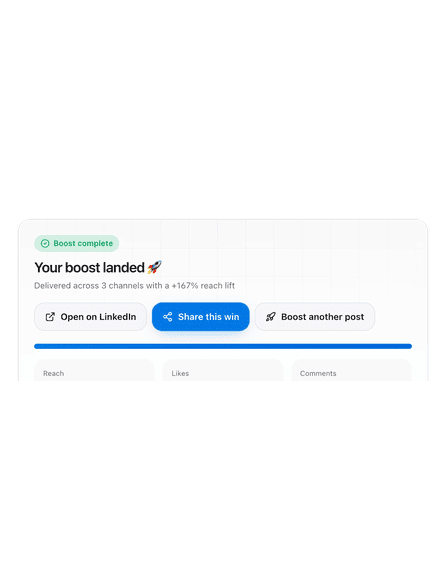
HyperClapper brings likes and comments to a post in the first hour after it goes live, at the delivery pace you choose, from one channel of members up to several.
4. Analytics for every post
HyperClapper shows each post's first-hour velocity, best posting times and engagement breakdown, so you see which topics land with your audience.
SETUP
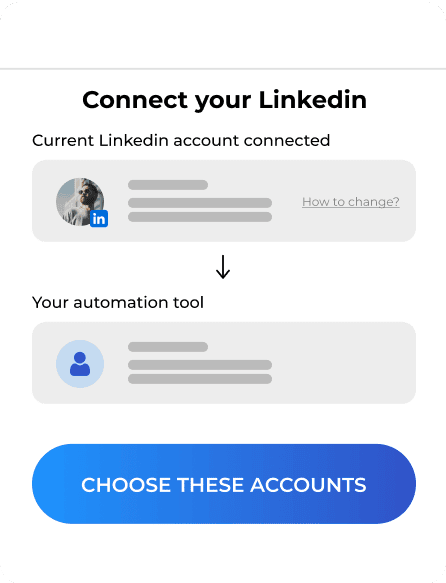
The simplest way: request the setup from your client area, share your HyperClapper access, and our team adds your accounts for you. Prefer to do it yourself? The extension installs in minutes in each account's dedicated browser profile.
FAQ
Can't find what you're looking for? Our team responds within minutes.
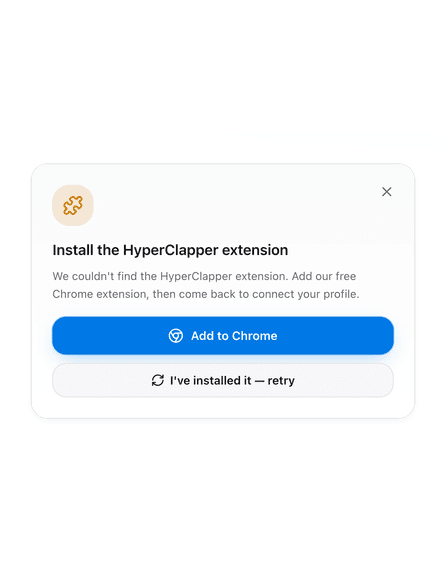
Talk to salesRequest it from your client area and share your HyperClapper access: our team adds your accounts for you, usually within 2 hours, free of charge. You can also do it yourself. Open the account's dedicated browser profile from your platform, add the HyperClapper extension from the Chrome Web Store, then go to Profiles in HyperClapper and click Connect a profile. HyperClapper reads the LinkedIn account open in that browser profile, so it never asks for login details. If LinkedIn asks you to log in again, use the login details and verification code from your platform.
HyperClapper sends no connection requests or messages: it works on posts. Our usage rules still apply to each account, whatever runs alongside it: 100 to 120 connection requests a week, up to 40 messages a day, and no profile visits. In HyperClapper, choose a gradual delivery pace for your boosts and keep the number of likes and comments on each post in proportion to the account's network.
From the Pro plan, one HyperClapper account connects several LinkedIn profiles and switches between them in one click. Plans are priced by the number of boosted posts, not by the number of profiles. Each LinkedIn account still runs in its own dedicated browser profile, with the extension installed. On our side, accounts are rented one at a time with no commitment: add one whenever you need it.
HyperClapper has a free plan with 3 boosted posts a month and one channel per boost. Connecting several LinkedIn profiles starts with Pro at $39 a month, AI replies and replies after a boost come with Growth at $59, and Infinity at $99 lets you choose what your own profile gives back (HyperClapper pricing, checked in November 2026).
Yes, by default. HyperClapper works on a give-and-get basis: a connected profile also likes and comments on posts from other members of its channels. From Pro you can turn off the comments your profile gives, and from Infinity the likes as well. These actions run from the account's dedicated browser profile, so it needs to stay open on a computer that is switched on.
HyperClapper acts in the LinkedIn account open in the browser, and by default that account also engages with other members' posts. Running it on dedicated MirrorProfiles accounts keeps that activity, and the posts you boost, apart from your team's personal profiles. When someone leaves, the accounts and the network they grew stay with your company.
HyperClapper is a trademark of its owner. MirrorProfiles is an independent platform; not affiliated with HyperClapper.
Stable accounts. Plug-and-play infrastructure. Outbound at scale.