

MirrorProfiles integration x Dripify Scale your Linkedin prospecting

Automate your prospecting, manage multiple accounts, and boost your outreach with Dripify and MirrorProfiles.

Two overlapping squares: the top left one features a blue icon with the initials "MB", and the bottom right one shows a dark square with the logo and text "DRIPIFY".

Dripify: Automated management of multiple Linkedin accounts

Dripify is a simple and effective LinkedIn automation tool. Ideal for managing a large number of LinkedIn accounts from a single dashboard, it allows you to configure campaigns for each account through its Team feature. Its functionalities enable you to optimize your prospecting campaigns while benefiting from the multiplied volume effect provided by MirrorProfiles.

Turnkey solution

Linkedin automation

to maximize 100% the ROI of your Linkedin MirrorProfiles accounts, while respecting the Linkedin quotas.

Quick and easy interface

to manage all your LinkedIn accounts with ease. Its pre-built campaign templates will save you time.

Illustration of a laptop with a padlock and shield on the screen, two people working at desks and graphics in the background, representing cybersecurity.

KPI tracking dashboard

from your Dripify dashboard, access your KPIs such as acceptance rate or response rate.
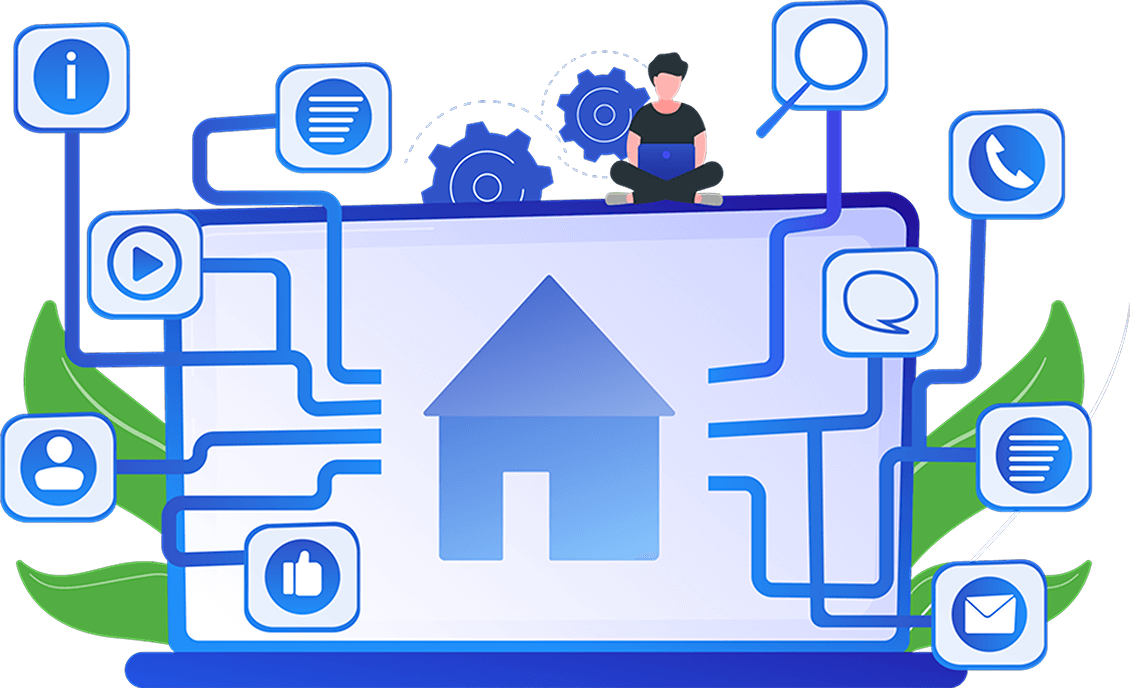
Illustration of a person with a laptop on a large screen displaying a home icon. Connected icons include chat, phone, e-mail, magnifying glass and social networking symbols.
Illustration of a man and a woman examining digital profile cards, with a photo selected and marked, under the "Profiles" logo.

MirrorProfiles: The best solution for automation-ready LinkedIn accounts

MirrorProfiles is the best solution for renting LinkedIn profiles ready for automation. Connected to tools like Dripify, MirrorProfiles enables you to multiply your LinkedIn prospecting volume while ensuring the security of accounts dedicated to prospecting, thereby limiting risks to personal accounts.

Scalability

The more Linkedin accounts you have, the more you multiply your prospecting volume - it's mathematical!

Heated profiles ready for automation

thanks to more than three months' prior manual use.

Illustration of a person browsing rising bar charts with an arrow pointing upwards, symbolizing progress or growth.

Turnkey solution

In just 24 hours, you receive your LinkedIn accounts. We also add your MirrorProfiles accounts directly to your Dripify.
Why use Dripify and MirrorProfiles together?

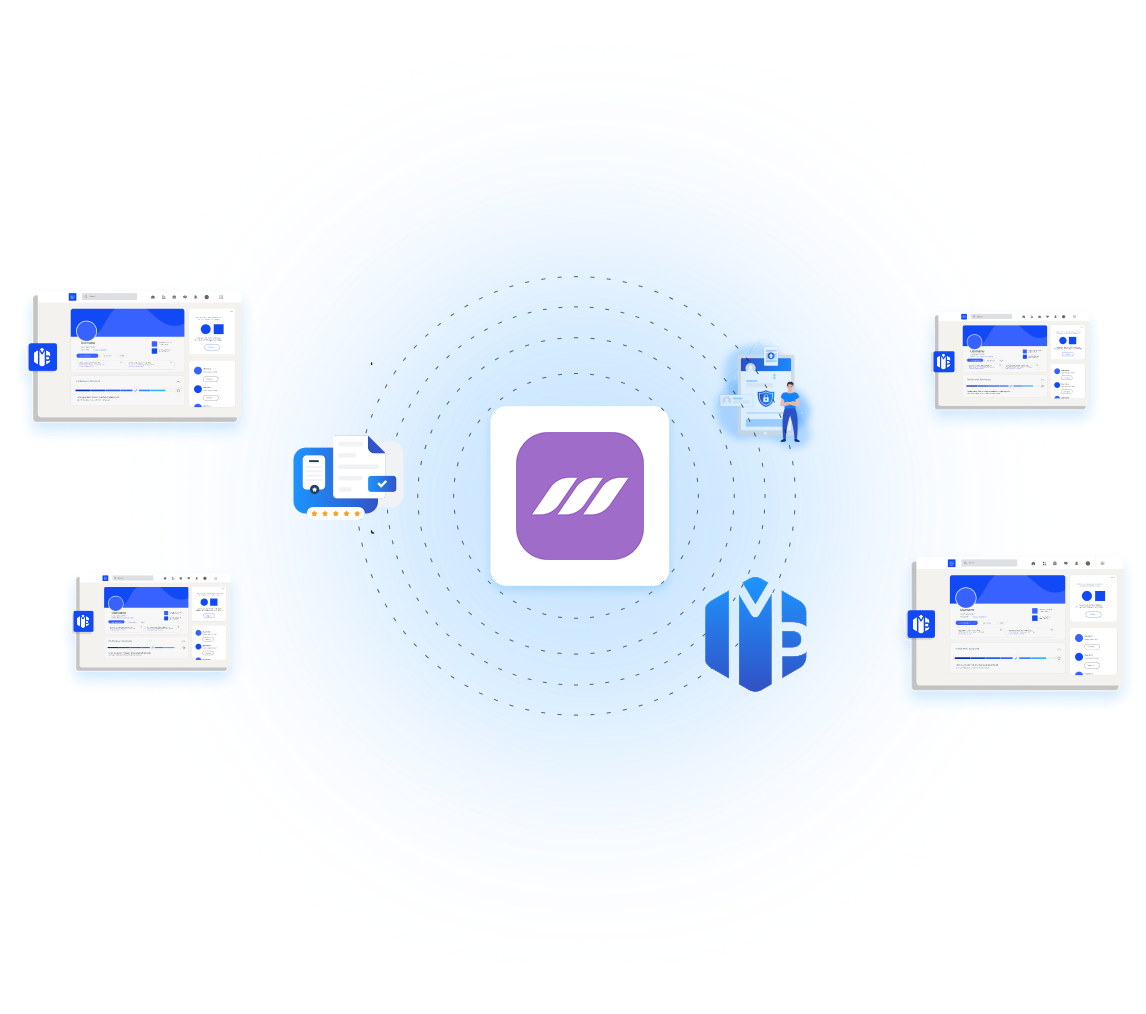
Diagram with a central purple application icon surrounded by digital screens, a document, a user profile, and a monetary symbol, all connected by dotted lines on a blue circular gradient background.

Increased prospecting volume

With Dripify's automated campaigns, you can manage multiple MirrorProfiles to send more invitations and messages per day, within LinkedIn limits.

Enhanced safety

By renting dedicated LinkedIn accounts with MirrorProfiles and using a leading tool in the industry like Dripify, you maximize productivity.

Conversation centralization

Dripify Team brings together all the leads from your Linkedin accounts in a unified database, making it easy to track prospects and engage with them.

Ease of use

In just a few clicks, integrate your MirrorProfiles accounts into Dripify, automate your campaigns, track results in real time and qualify your leads.

How to connect your MirrorProfiles
accounts to Dripify

A login form with fields for email and password, a purple "Login" button, a "Forgot password?" link, and a "Sign in with Google" button.

Step 1

Log in to your Dripify account

A computer screen displays a LinkedIn login prompt requesting a username and password, with a green shield icon displayed above the password field.

Step 2

Enter your Linkedin MirrorProfiles account details.

A LinkedIn security code prompt asking users to enter a code received by email to verify their login, with options to submit or resend the code.

Step 2-B

Enter the authentication code you received on your MirrorProfiles account in our customer area.

A white box centered on a dark background contains a purple "Submit" button and a "Resend LinkedIn code" text link below.

Step 3

Click on "Submit

Illustration of a person pointing to a sign saying "Your account is ready! PROSPECT NOW" with colorful confetti around it.

Step 4

Your profile is now connected and ready to use on Dripify!

If you encounter any difficulties, we offer free support
for setting up your Linkedin accounts from your customer area.

Ce qu’en disent nos utilisateurs

Frequently asked questions

Are prospecting quotas the same for Dripify x MirrorProfiles?

Yes, Buzz AI respects the quotas imposed by LinkedIn while ensuring optimal performance. Make sure to follow our rules regarding quotas.

No, when you connect a MirrorProfiles account to Dripify you cannot use a custom proxy, which is why we recommend tools like Get Sales instead.

Yes, Dripify is equipped with a LinkedIn inbox that is not centralized with all your LinkedIn accounts. You can respond to all your prospects only through the Dripify Team inbox.

Yes, Dripify is a multichannel tool. You can connect your MirrorProfiles accounts and then create a professional email address (different from the email used on LinkedIn) to have a complete user. LinkedIn + Email is very effective for generating maximum leads.

Ready to give your prospecting a boost?

Connect your MirrorProfiles accounts to Dripify today.