
MirrorProfiles integration x Octopus CRM Scale your Linkedin prospecting
- Unlimited number of automated accounts
- Advanced scenarios
- No commitment
- Meeting Linkedin quotas
Octopus CRM: Automated management of multiple Linkedin accounts
Linkedin automation
to maximize 100% the ROI of your Linkedin MirrorProfiles accounts while respecting Linkedin quotas.

KPI tracking dashboard
to see the performance of your Linkedin campaigns in real time: acceptance rates, response rates, etc.

Zapier and Hubspot integration
to facilitate the management of your Linkedin leads by automatically exporting them via your CRM.
MirrorProfiles: The best solution for automation-ready LinkedIn accounts
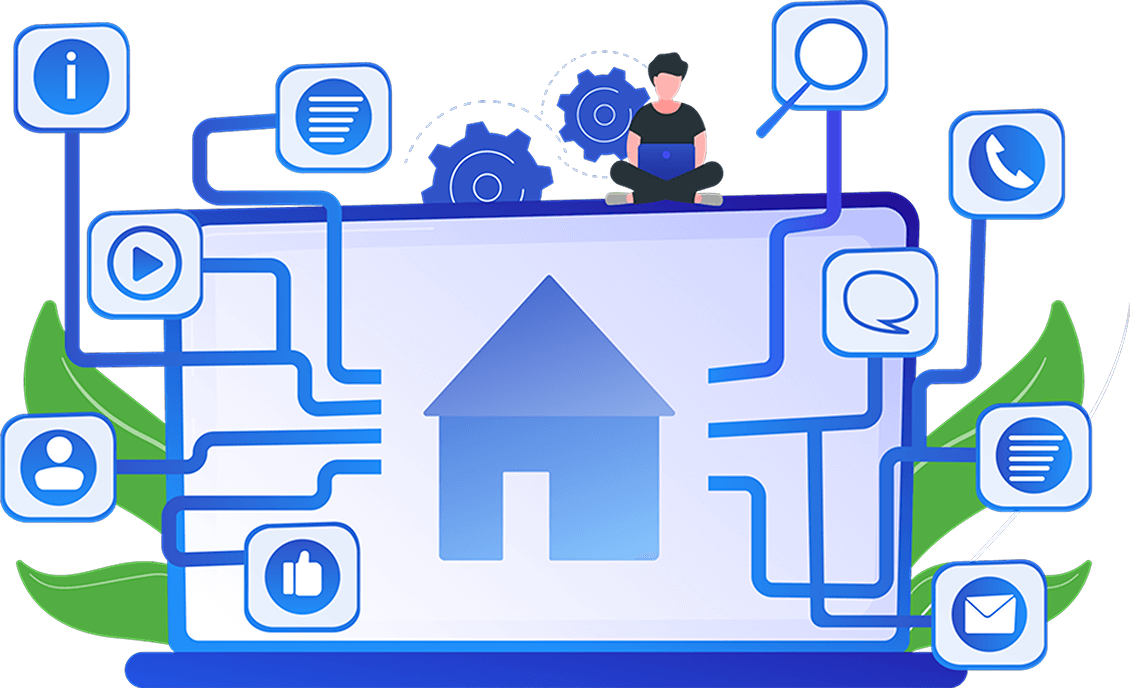
MirrorProfiles is the best solution for renting LinkedIn profiles ready for automation. When connected to tools like Octopus CRM, MirrorProfiles allows you to significantly increase your LinkedIn prospecting volume while ensuring the security of accounts dedicated to outreach, thereby limiting risks to personal accounts.
Massive scalability
The more Linkedin accounts you have, the more you multiply your prospecting volume - it's mathematical!
Heated profiles ready for automation
thanks to more than three months' prior manual use.
Turnkey solution
You'll receive your Linkedin accounts in just 24 hours. We also add your MirrorProfiles accounts directly to your Heyreach.
Why use Octopus and MirrorProfiles together?
Increased prospecting volume
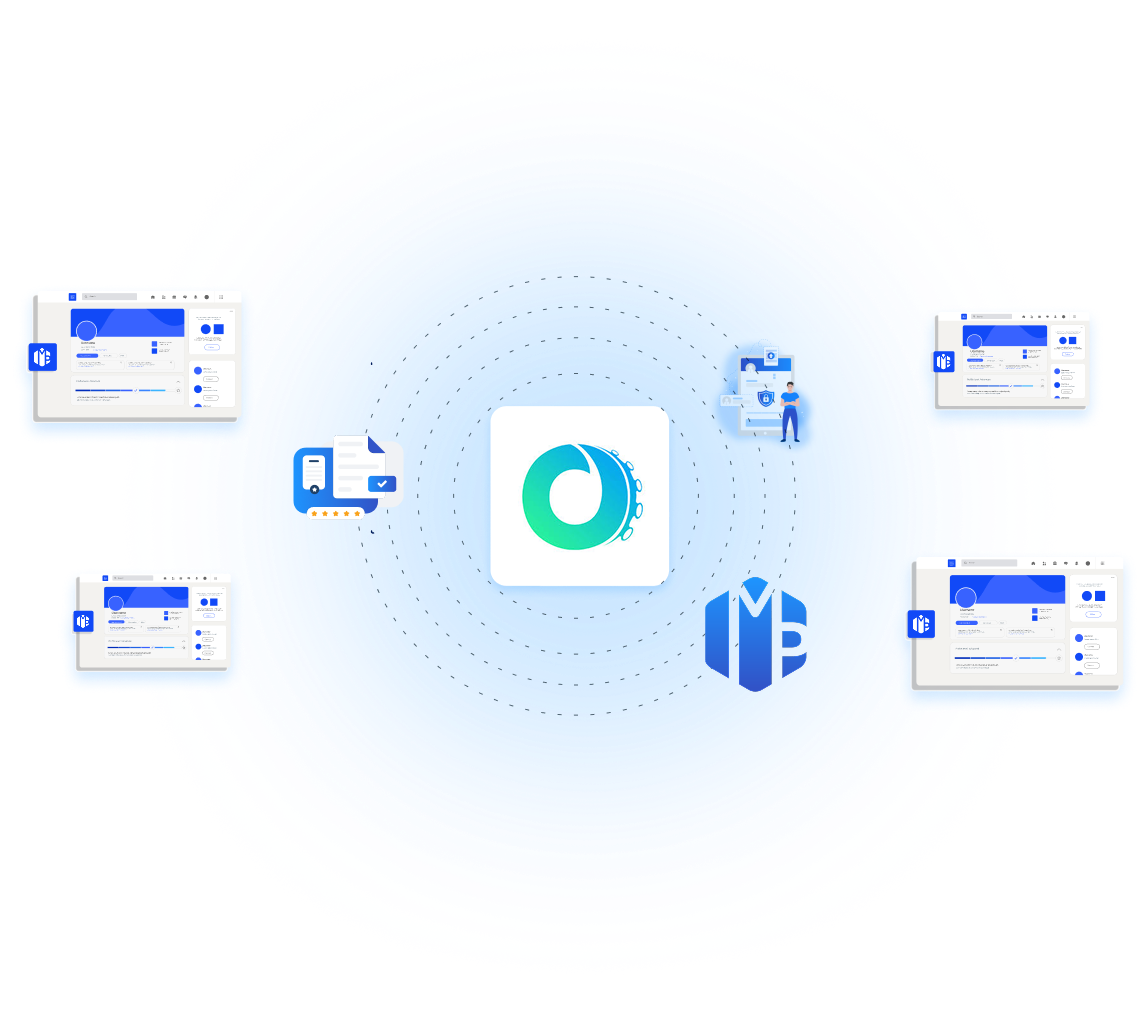
Octopus CRM allows you to manage multiple MirrorProfiles LinkedIn accounts to send more invitations and messages per day, while respecting LinkedIn's limits.
Ease of use
In just a few clicks, integrate your MirrorProfiles accounts into Octopus CRM, automate your campaigns, and track results in real time. Simplicity is one of Octopus CRM's greatest strengths.
Lead centralization
With Octopus CRM, you'll be able to centralize your lead files and prospects in your dashboard, and easily export your leads via webhook.
Commitment features
For even greater performance, Octopus CRM lets you integrate precise actions such as prospect "Endorse skills" into your automation campaigns.
How to connect your
MirrorProfiles accounts to Octopus CRM

Step 1
Download the Octopus CRM extension via Gologin while logged into your Linkedin Mirrorprofiles account.

Step 2-B
Create an account on Octopus CRM

Step 2-B
Go to a Linkedin page and click on the extension to start running your campaigns.

Step 3
Your profile is now connected and ready to use on Octopus CRM!

If you encounter any difficulties, we offer free support
for setting up your Linkedin accounts from your customer area.
Ce qu’en disent nos utilisateurs
I use this tool for my outbound campaigns to protect my colleagues’ LinkedIn accounts (we have already been banned).
The profiles are warm, customizable and can be easily adapted to my personas.
Then, I can share my accounts with an SDR team easily without confidentiality issues and thanks to the Gologin tool.
The team is friendly and responsive.
A must have for effectively scaling your outbound!

Alexandre M.
Growth Marketing Manager
Mid-Market(51-1000 emp.)

Sophie L.
CEO
Mid-Market(51-1000 emp.)

Sophie L.
Head of Partnerships
Small-Business(50 or fewer emp.)
Frequently asked questions
Are prospecting quotas the same with Octopus CRM x MirrorProfiles?
Yes, on Octopus CRM you must manage LinkedIn quotas: a maximum of 20–25 connection requests per day and 10–15 visits per day. Please ensure you follow our rules regarding quotas.
Can I configure a proxy on Octopus CRM?
No, when you connect a MirrorProfiles account to Octopus CRM via the extension, it will use the session’s proxy/IP for maximum security.
Can I manage my messages from within Octopus CRM?
No, with Octopus CRM you will need to use either MirrorChat or log in directly to the LinkedIn account via GoLogin to handle messages.
Does Octopus CRM offer emailing?
No, Octopus CRM is primarily a LinkedIn automation tool.
Ready to give your prospecting a boost?
Connect your MirrorProfiles accounts to OctopusCRM today.