

MirrorProfiles integration x Skylead Scale your Linkedin prospecting

Automate your prospecting, manage multiple accounts, and centralize your interactions with Skylead and MirrorProfiles.

Two logos: one blue with white letters "MBE", and the other white with a blue cloud icon and the word "skylead". The logos are connected by dotted lines.

Skylead: Automated management of multiple Linkedin accounts

Skylead is a leading multi-channel tool on the market. Ideal for managing a large number of LinkedIn accounts from a single dashboard, it also includes a unified inbox to manage both emails and LinkedIn replies for all your accounts on a single interface. Its numerous features will allow you to optimize your prospecting campaigns while benefiting from the tenfold volume effect thanks to MirrorProfiles.

Turnkey solution

Advanced Linkedin automation

to maximize 100% the ROI of your Linkedin MirrorProfiles accounts while respecting Linkedin quotas.

Centralized
Inbox

to manage all Linkedin conversations from multiple accounts, as well as Emailaing, from a single interface.

Lead enrichment

from LinkedIn Search or Sales Navigator, Skylead allows you to export and enrich them using high-end emailing enrichment technology.
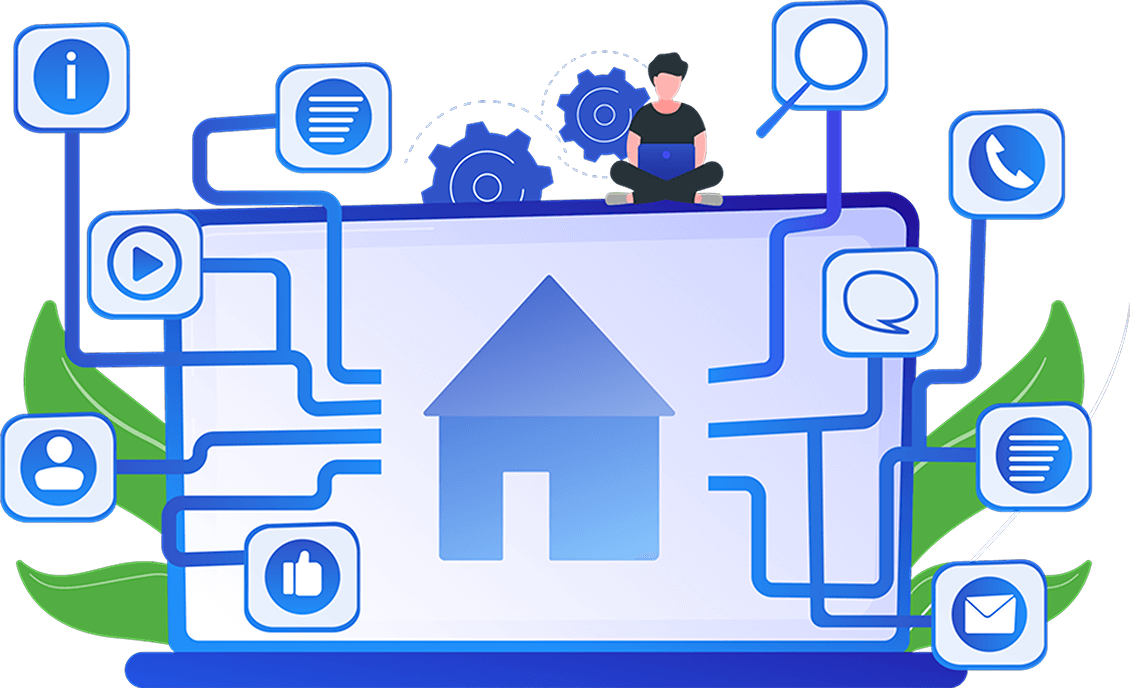

Illustration of a person with a laptop on a large screen displaying a home icon. Connected icons include chat, phone, e-mail, magnifying glass and social networking symbols.
Two people interacting with a digital interface displaying profiles, one of which is highlighted by a tick.

MirrorProfiles: The best solution for automation-ready LinkedIn accounts

MirrorProfiles is the best solution for renting LinkedIn profiles ready for automation. Connected to tools like Skylead, MirrorProfiles allows you to increase LinkedIn prospecting volume tenfold, while guaranteeing the security of accounts dedicated to prospecting, thus limiting risks for personal accounts.

Massive scalability

The more Linkedin accounts you have, the more you multiply your prospecting volume - it's mathematical!

Heated profiles ready for automation

thanks to more than three months' prior manual use.

Turnkey solution

Turnkey solution

In just 24 hours, you will receive your LinkedIn accounts. We also add your MirrorProfiles accounts directly to your Skylead.
Why use Skylead and MirrorProfiles together?

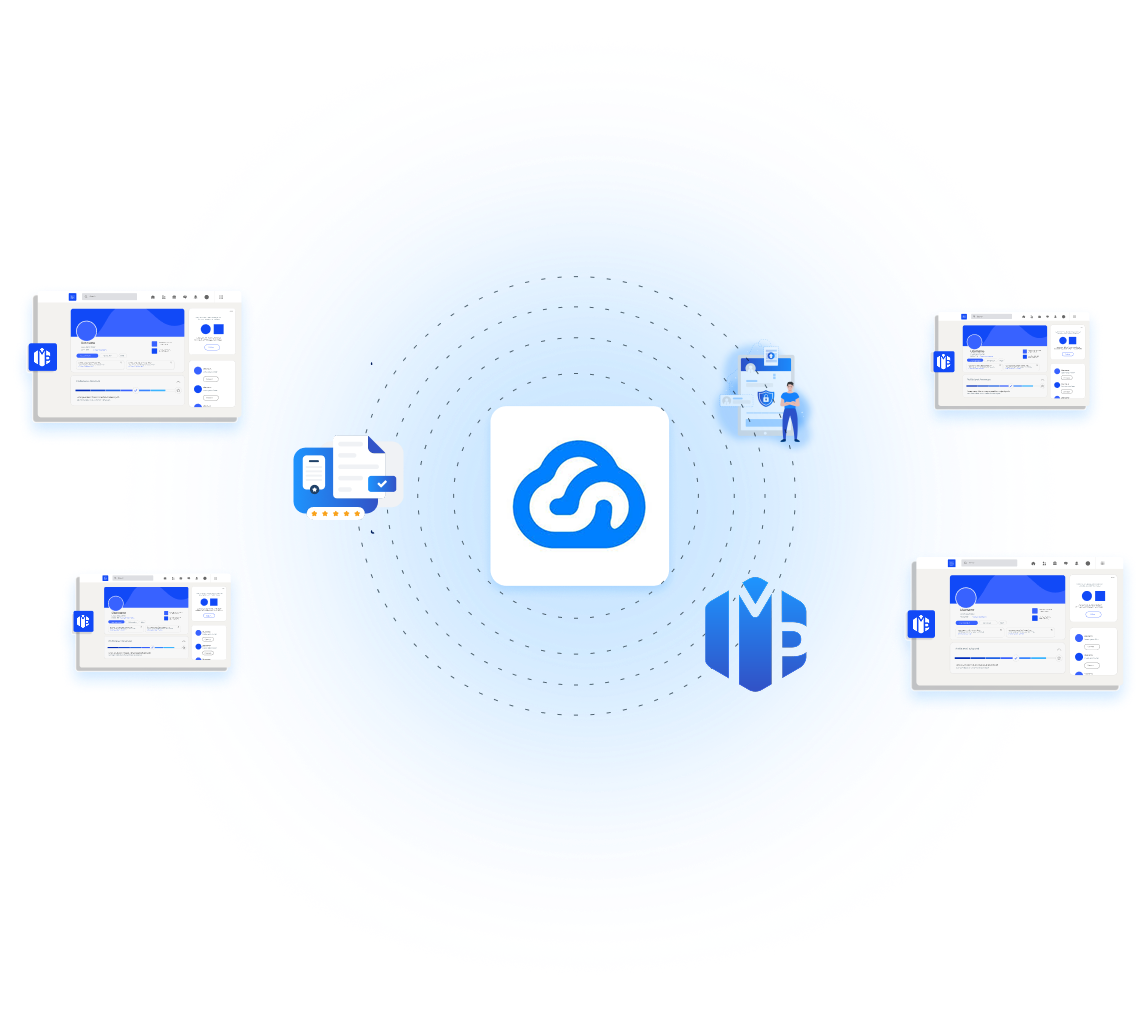
Central cloud icon surrounded by digital interface screens, a database icon, a document, and a profile illustration, all connected in a circular blue gradient pattern.

Increased prospecting volume

With Skylead's automated campaigns, you can manage multiple MirrorProfiles to send more invitations and messages per day, within LinkedIn limits.

Enhanced safety

By renting dedicated LinkedIn accounts with MirrorProfiles and using our proxies on Skylead, you protect your accounts while maximizing productivity.

Conversation centralization

Skylead brings together all the conversations from your Linkedin accounts in a unified inbox, making it easy to track leads and engage.

Ease of use

In just a few clicks, integrate your MirrorProfiles accounts into Skylead, automate your campaigns, track results in real time and qualify your leads.

How to connect your
MirrorProfiles accounts to Skylead

Skylead login page with fields for email address and password, a "Login" button, and links for "Forgot password?" and "Sign up".

Step 1

Log in to your Skylead account

A form interface for connecting a LinkedIn account using a custom proxy, requiring a proxy host/port, username, and password, with navigation buttons for Next, Previous, and Close.

Step 2

Click on "Add LinkedIn account" then "Custom proxy". Enter the proxy for your MirrorProfiles account. For your proxy details, please ask our team.

A form interface for connecting a LinkedIn account, displaying subscription options and fields for email and password, with a submit button at the bottom.

Step 2-B

Enter your MirrorProfiles account type and details.

A user interface with two buttons "Previous" and "Submit" on a dark background. The "Submit" button is highlighted in blue.

Step 3

Click on "Submit

Illustration of a person holding a sign saying "Your account is ready!" above a button labeled "Prospect now".

Step 4

Retrieve the verification code from your MirrorProfiles customer area

If you encounter any difficulties, we offer free support
for setting up your Linkedin accounts from your customer area.

What our users say

Ce qu’en disent nos utilisateurs

Frequently asked questions

Are prospecting quotas the same with Skylead x MirrorProfiles?

Yes, Skylead respects the quotas imposed by LinkedIn while ensuring optimal
performance. Please ensure you follow our rules regarding quotas.

Yes, when you connect a MirrorProfiles account to Skylead, please enter the profile’s time zone as well as the proxy information. You can find these on GoLogin or ask our team directly via the support chat.

Yes, Skylead is equipped with a centralized inbox for all your users, whether for LinkedIn or emailing. You can respond to all your prospects solely via the Skylead inbox.

Yes, Skylead is a multi-channel tool. You can connect your MirrorProfiles accounts and then create a professional email address (different from the email used on LinkedIn) to have a complete user profile. LinkedIn + Emailing is very effective for generating maximum leads.

Ready to give your prospecting a boost?

Connect your MirrorProfiles accounts to Skylead today.